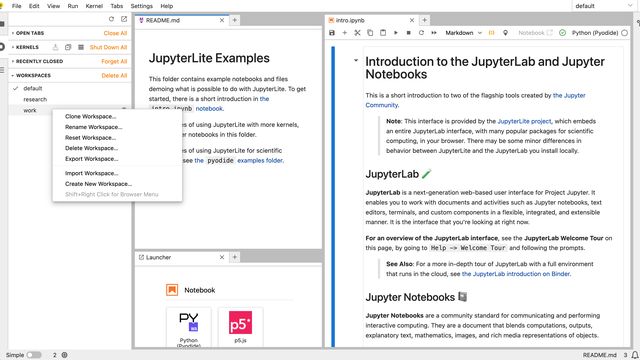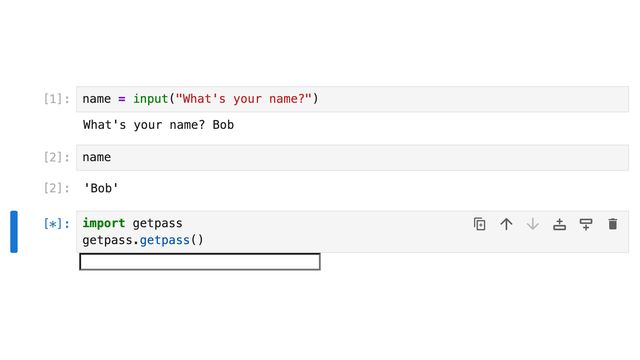

JupyterLite 0.8 is released! 🎉
JupyterLite is a Jupyter distribution that runs entirely in the web browser without any server components. Deployment and hosting are easy as JupyterLite sites are just static websites.
The new 0.8 release includes a number of new features, bug fixes, and enhancements. This release also brings significant improvements to the user experience and new customization options for JupyterLite deployments.
Sharing a REPL
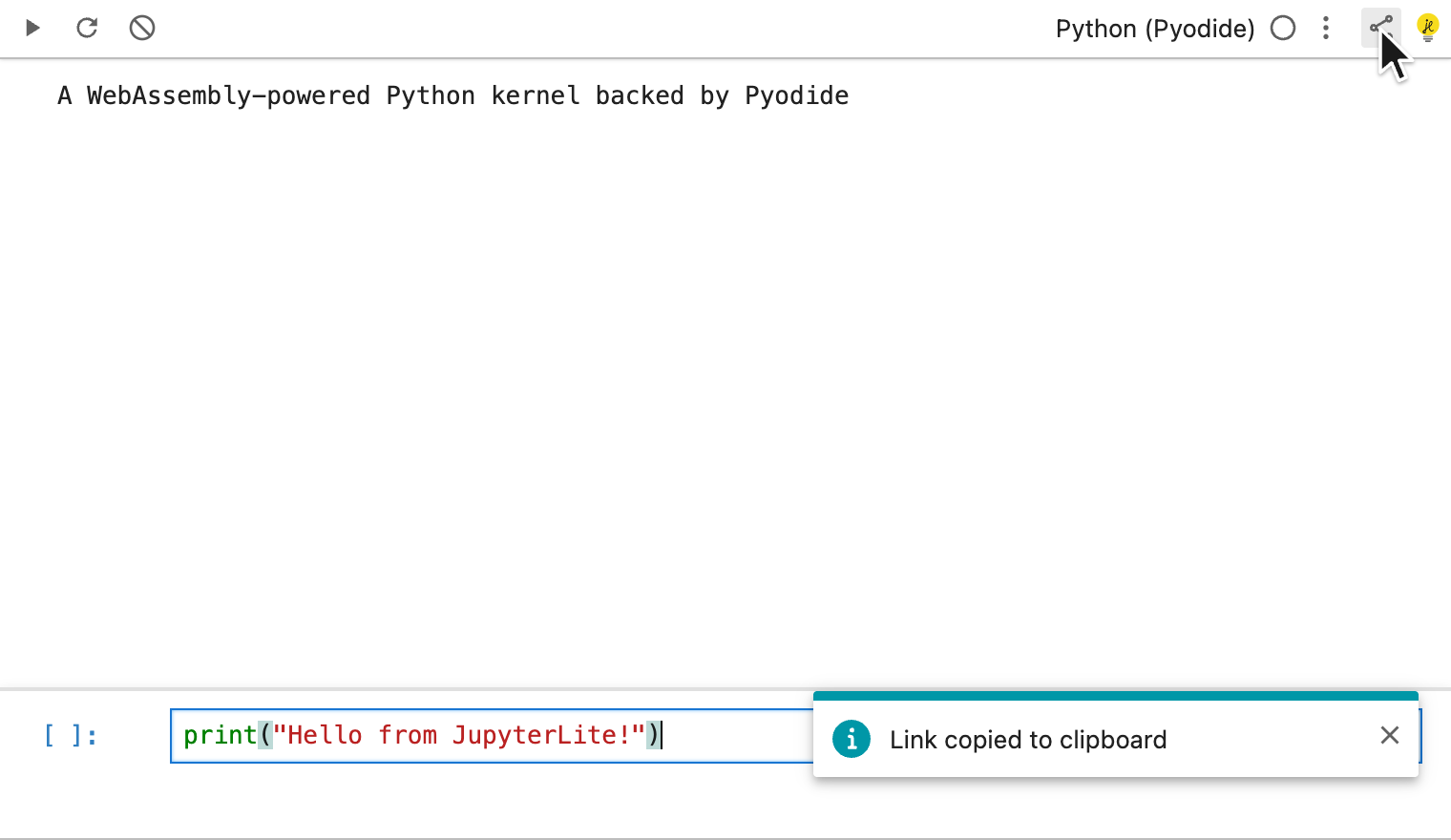
When the REPL toolbar is enabled, it now includes a Copy Shareable Link button. Clicking it captures the current state of the REPL, the prompt content, the selected kernel and theme, and any non-default options, into the page URL, and copies the resulting link to the clipboard. A notification confirms the link was copied, making it easy to share a ready-to-run REPL with others.
Refreshed Loading Screen
The loading indicator shown while JupyterLite starts up has been redesigned to match the JupyterLab splash screen to make the transition from the initial loading screen to the fully loaded application feel more seamless.
The loading indicator remains configurable, and can be enabled or disabled for specific applications. See the loading indicator guide for more details.
File System Reliability Improvements
JupyterLite 0.8 includes many fixes to the in-browser file system used to store your notebooks and files. Creating files and directories is now faster and more reliable, saving a file to a directory that does not exist is now rejected with a clear error rather than failing silently, and files are no longer opened twice on startup when using query parameters. These changes make working with files in JupyterLite smoother and more dependable.
JupyterLab 4.6 and Notebook 7.6
JupyterLite 0.8 is built on top of JupyterLab 4.6 and Notebook 7.6, and brings many of the respective improvements and bug fixes. Check out the announcement post to learn more about these new releases.
This JupyterLite release includes 9 new features and enhancements, 11 bug fixes, and 5 documentation improvements. 13 people contributed to this release. Across 85 maintenance tasks and dependency updates, we kept JupyterLite up to date with the latest JupyterLab and Notebook releases.
A Terminal in the Browser
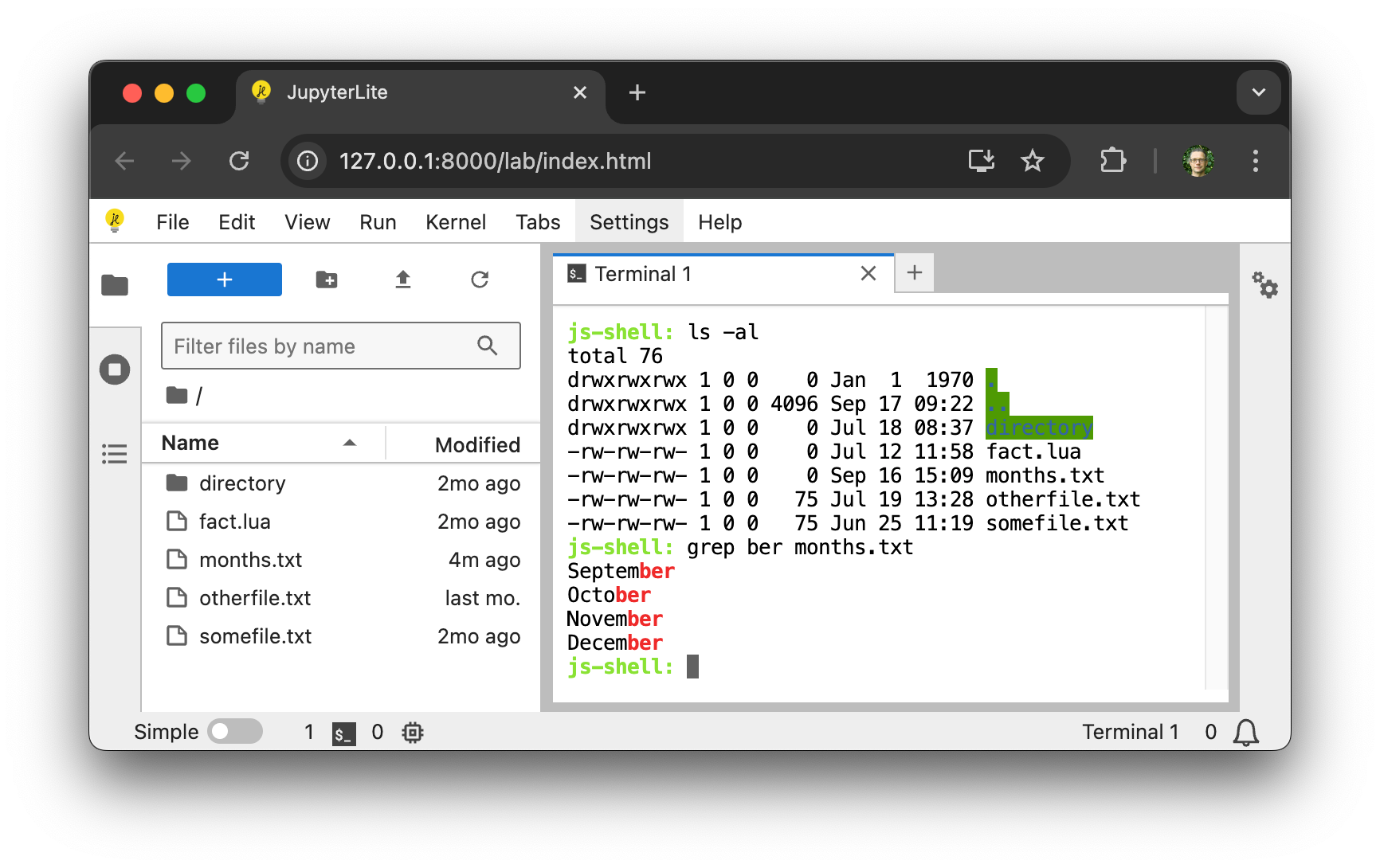
The JupyterLite Terminal adds a fully in-browser command-line terminal to JupyterLite, powered by the cockle shell. Commands run as WebAssembly directly in the browser, with no server involved. Version 1.5 adds compatibility with JupyterLite 0.8, and recent releases include:
- A growing set of familiar command-line tools compiled to WebAssembly, including
ls,cat,cp,mv,grep,sed,tree,git, and thevimandnanoeditors. - Tab completion for commands, arguments, and file names, with a confirmation prompt before listing a very large number of matches.
- New JupyterLab commands for running shell commands programmatically and capturing their output, without opening a terminal panel.
More Kernels with jupyterlite-xeus
jupyterlite-xeus builds JupyterLite deployments around Xeus-based kernels and lets you pre-install packages from conda-forge and emscripten-forge straight into the browser environment through an environment.yml file. Its recent releases (the 4.5 series and the new 5.0) are compatible with JupyterLite 0.8 and add a number of improvements:
- A growing list of supported kernels, including
xeus-python,xeus-r,xeus-cpp,xeus-lua,xeus-nelson,xeus-octave, andxeus-javascript. - Installing packages at runtime now feels more natural: you can run
pip installorconda installdirectly in a cell, with the leading%or!now optional.
To learn more about pre-installing packages, mounting files, and the available kernels, see the jupyterlite-xeus documentation.
Python 3.14 with the Pyodide Kernel
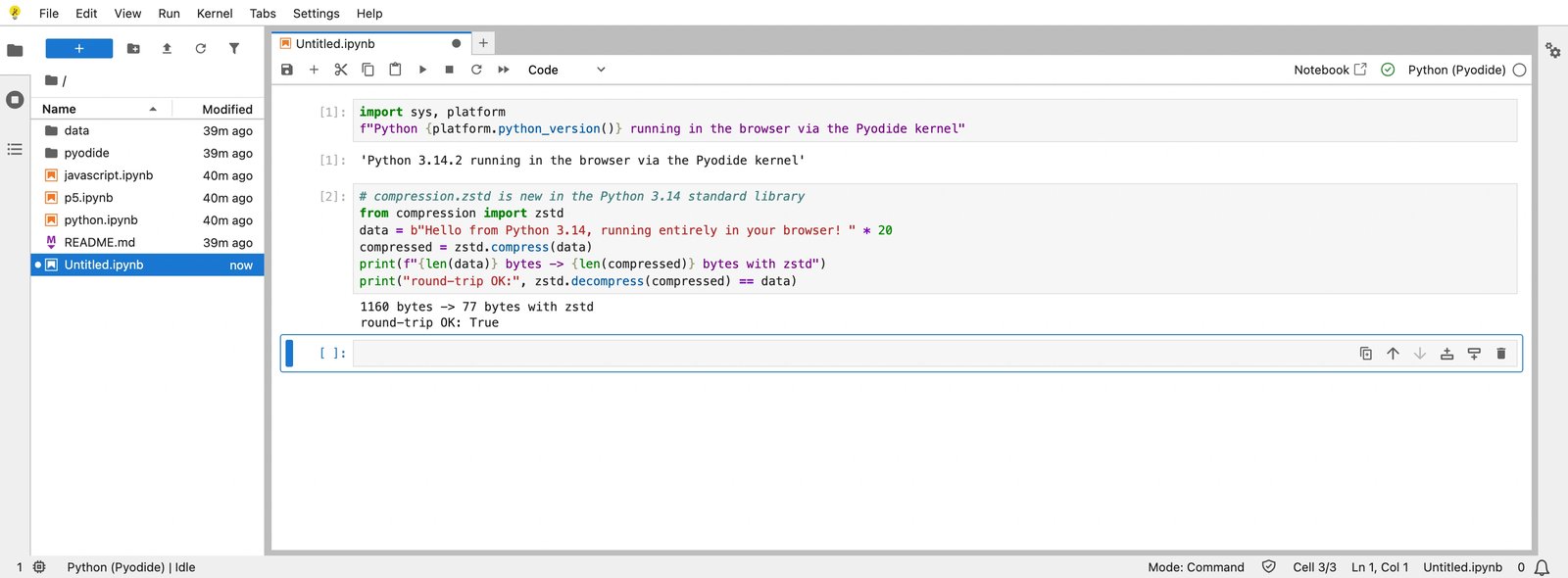
The Pyodide kernel has been updated to version 0.8.0. It bundles the latest Pyodide release, which upgrades the in-browser Python interpreter to Python 3.14. Notebooks and consoles running on the Pyodide kernel now use the newest Python version, including recent standard library additions such as the new compression.zstd module.
For deployments that pre-compute the set of packages to ship offline, the kernel’s lock add-on can now build a customized pyodide-lock.json from your own requirements — including reading dependencies from a requirements.txt file or a pyproject.toml dependency group — giving site authors finer control over which packages are available without a network connection.
See the pyodide-kernel 0.8.0 release notes for the full list of changes.
JavaScript Kernel Improvements
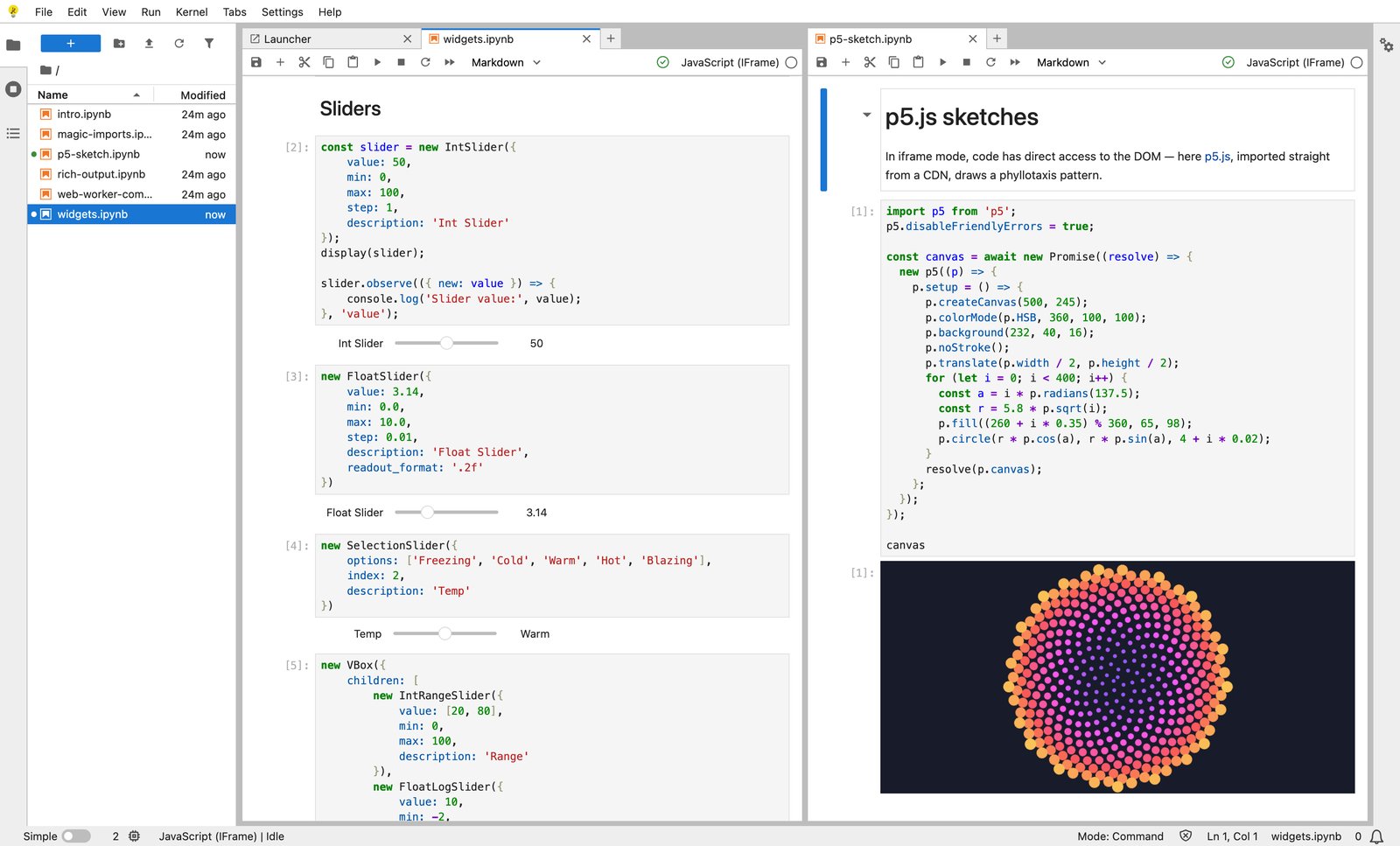
The in-browser JavaScript kernel has gained several improvements in its 0.4 development line:
- A new iframe-based execution mode with better support for libraries that need direct access to the DOM, such as p5.js.
- Initial support for Jupyter Widgets, through Comm channels and a set of base widgets.
- Clearer error messages and tracebacks, including a fix for errors that previously rendered as blank in Firefox.
Try it in your browser
If you would like to try the new release in your browser, click on the following link:

Acknowledgments
Thanks to Bloomberg for funding the work on JupyterLite at QuantStack, and for their ongoing support for JupyterLite in general.
Many thanks to all the contributors to JupyterLite. The list below is based on GitHub usernames for the 0.8 release across the different projects:
- New contributors: @Darshan808, @MMesch, @MUFFANUJ, @wata727
- Returning contributors: @DerThorsten, @agriyakhetarpal, @bollwyvl, @ianthomas23, @jasongrout, @jtpio, @martinRenou, @trungleduc
Thank you to the extended group of contributors in Jupyter Frontends and related project in the Jupyter ecosystem 💛