

The MyST AnyWidget Directive
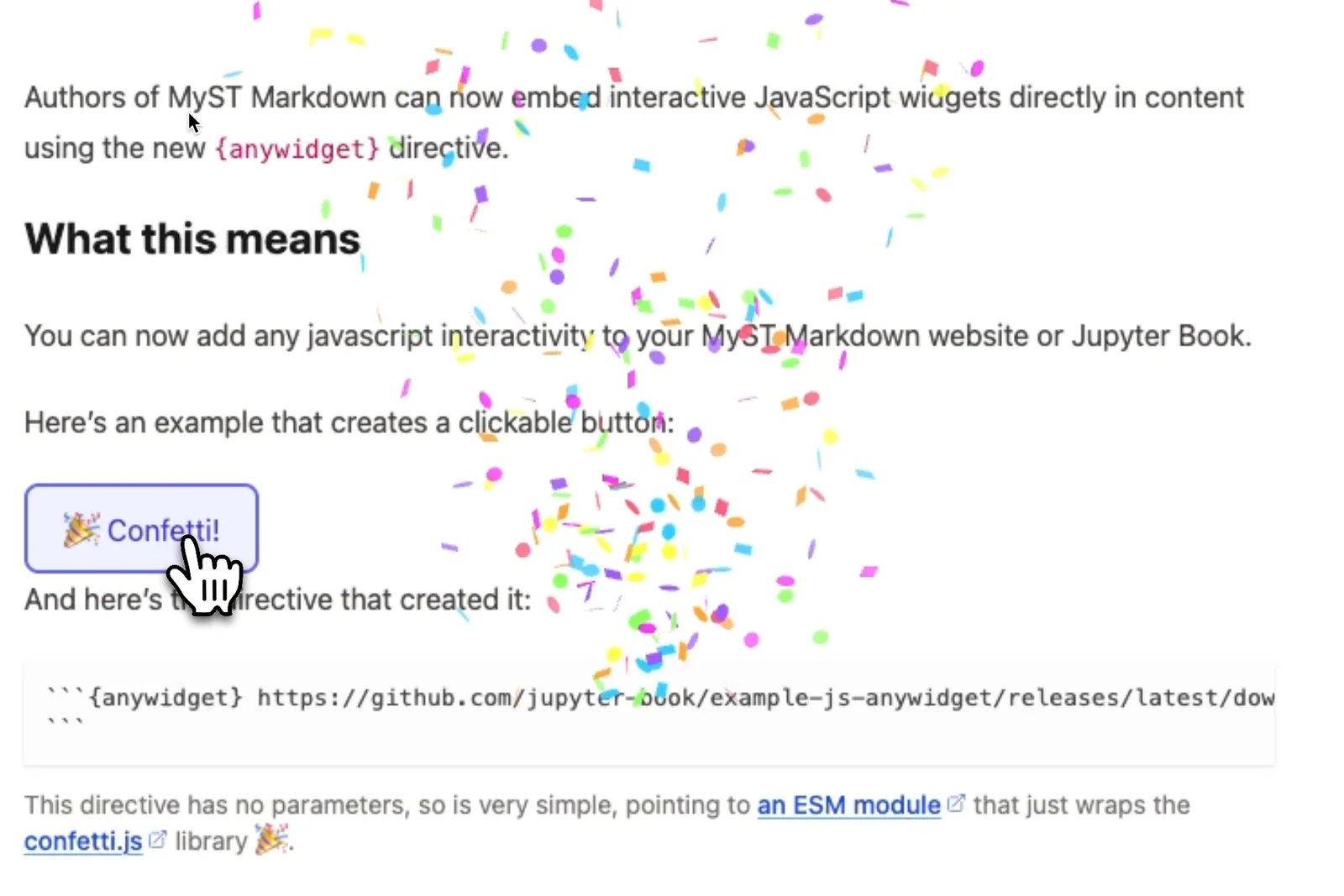
Authors of MyST Markdown can now embed interactive JavaScript widgets directly in content using the new {anywidget} directive.
What this means
You can now add any javascript interactivity to your MyST Markdown website or Jupyter Book.
Here’s an example that creates a clickable button 👇 to see an interactive version check out the post on the Jupyter Book blog.
How we got here
The idea of a portable widget interface for interactive computing isn’t new: anywidget has been an emerging standard in the Jupyter community for a while, leveraging modern Javascript principles (via ESM Modules), and giving you a simple initialize({ model }); render({ model, el })[1] contract so that widgets can be written once and reused across notebooks. AnyWidget in Jupyter interfaces supports tight integration with the kernel, allowing interactions similar to ipywidgets[2].
From the MyST Markdown and Jupyter Book point of view, we’ve focussed on supporting the render() side of the AnyWidget interface (see AnyWidget Frontend Modules) to allow MyST users to bring any kind of javascript-based interactivity into their articles and books without having to lean on Jupyter at all.
That part of the story started at SciPy 2024 with Trevor Mantz and Steve Purves hacking through a proof of concept during the sprints. Curvenote built working support for AnyWidgets as a MyST Markdown extension while working with researchers to support domain specific visualizations, and then upstreamed the implementation to create the {anywidget} directive that has just been released in mystmd and jb2.
The new directive in mystmd and the respective supporting package in @myst-theme/anywidget evolved with input from the JupyterBook team. Here’s how it is currently structured:
anywidgetis a new node in the MyST AST, meaning first-class support for this capability outside of notebooks.mystmdwill bundle ESM and CSS modules at build time, ensuring dependencies are packaged with the book/article when it is published or deployed.- The ESM and CSS modules can either be (a) hosted remotely (which makes sense for shared widgets that many people are using or collaborating around) or (b) added as local files (which makes sense for widgets specific to a single book/website).
- The
NodeRendererpart of the release is an independent package @myst-theme/anywidget that can be optionally adopted by theme developers (it’s already built into the core themes). - For
mystmdand Jupyter Book users, to upgrade to the latest theme. Runmyst clean --templatesbefore you next start your server and the latest version will be downloaded.
Usage
From an author’s perspective, point the directive at an ESM module (either a URL to a hosted script or a local path) and the widget runs in the page with its own state and DOM. You may optionally pass in a CSS URL/path and a JSON body of props to initialize the widget model.
To understand how to build your own widgets, the MyST widgets guide walks through the render({ model, el }) signature, styling with Shadow DOM, and cleanup on unmount. It’s the same mental model as anywidget in Jupyter, so if you’ve written or seen Jupyter AnyWidgets, you’re already most of the way there.
If you want to try it, the example-widgets repo has small demos (confetti, div-map, etc. Contributions are welcome!), and the opensci.dev blog has some live examples using scientific datasets.
What’s next
Widget support in MyST is still marked experimental so the details may evolve. There are still some things on the roadmap for {anywidget} which will no doubt expand as we hear of new requirements from widget creators, but we expect the following to be close to the top of the stack:
- The
modelpart of the interface, which will allow multiple instances of a widget to communicate on the page[1] - Shipping additional dependencies like static files that the widgets may need
The JupyterBook team is actively working on improving and evolving the widget model and integrating with Jupyter. We look forward to seeing what the community builds — visit the discord to showcase what you have built!
Acknowledgements
A shout out to my co-contributors on this work; to @mantz for the original hacking, @rowanc1 and @fwkoch for iterating on the downstream code, @agoose77 for working with me on the upstream changes, @choldgraph for insightful reviews and a docs! and the broader Jupyter Book Team for all the reviews and feedback.