
Announcing JupyterCAD 3.0
The latest iteration of the web-based collaborative CAD editor
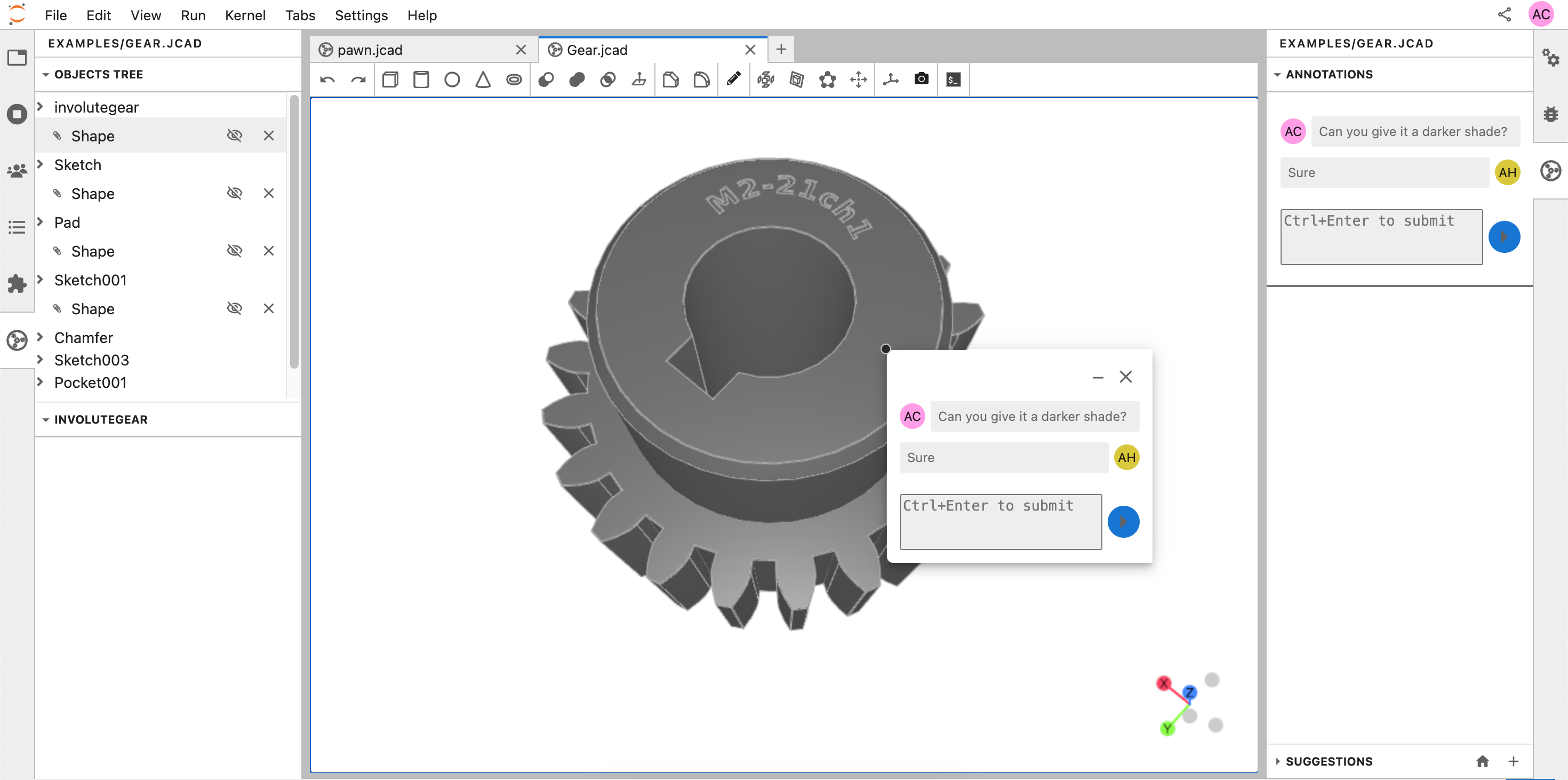
We are thrilled to introduce JupyterCAD 3.0, the newest version of the collaborative CAD modeler designed for JupyterLab.
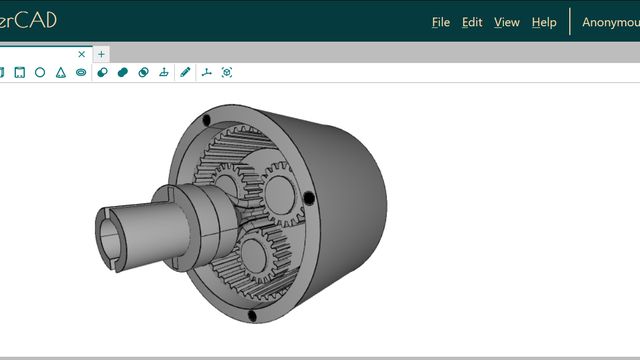
JupyterCAD is an unofficial JupyterLab extension for 3D geometry modeling with collaborative editing support. It is designed to allow multiple people to work on the same file at the same time, and to facilitate discussion and collaboration around the 3D shapes being created.
JupyterCAD 3.0 represents a significant leap forward in usability and user experience compared to the previous release.
What’s new in JupyterCAD 3.0?
Color customization
JupyterCAD 3.0 allows you to customize object colors directly within the application, while we were limited to gray models in earlier versions. Adjust colors easily to suit your design needs or preferences.
Embedded Python console
The new embedded Python console offers advanced users direct access to JupyterCAD’s Python API, enabling on-the-fly scripting and automation for power users.
UX improvements
The new AxesHelper provides a clear visual reference for coordinate axes, making it easier to navigate and align models in 3D space.
We have also added copy-paste functionality using Ctrl+C and Ctrl+V shortcuts, making it faster and easier to duplicate objects within your models.
An improved toolbar now includes options to toggle wireframe, toggle transform controls, toggle clip plane and a toggleable console, giving users quick access to essential tools.
JupyterCAD 3.0 also introduces smooth camera tracking, where selecting an object from the object tree triggers a smooth transition of the camera to focus on the selected object, enhancing navigation and model exploration.
Mouse-based 3D controls
Move or rotate your 3D models effortlessly with mouse-based controls that bring fluidity and precision to model editing and interaction.
Suggestions support
With JupyterCAD 3.0, collaboration becomes even more seamless with suggestions. Collaborators can propose changes to a model, which can be reviewed and applied collaboratively, fostering a dynamic and efficient workflow.
Try it!
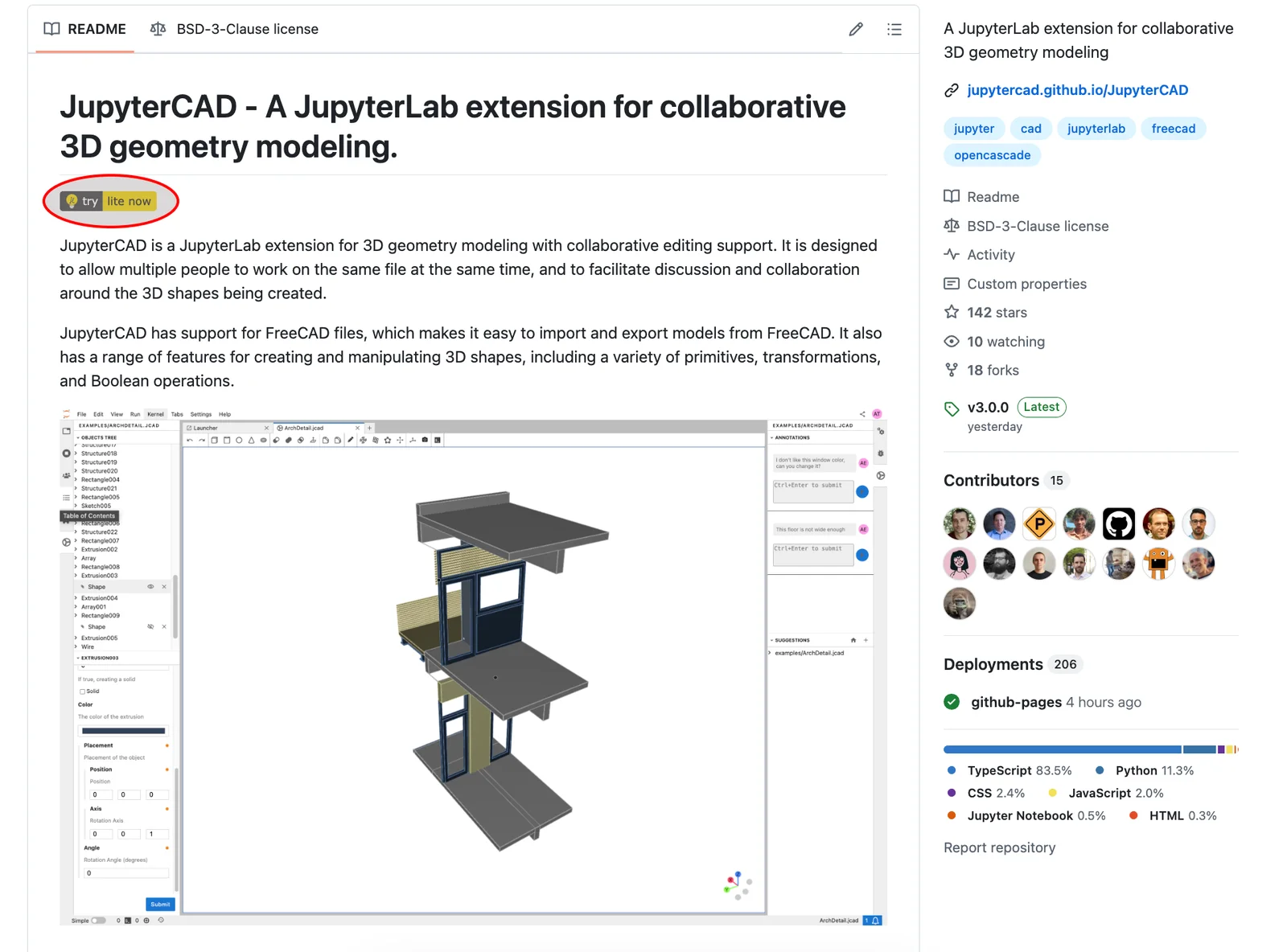
Explore JupyterCAD 3.0 in action with our JupyterLite deployment — no installation required. Visit us at jupytercad.github.io/JupyterCAD and start modeling directly in your browser.
Installing JupyterCAD
You can easily install JupyterCAD with pip or mamba:
pip install jupytercad
or:
mamba install -c conda-forge jupytercad
Additionally, you can install FreeCAD along with the JupyterCAD-FreeCAD plugin to enable support for FCstd files:
mamba install -c conda-forge freecad jupytercad-freecad
What’s next?
JupyterCAD is evolving rapidly, with some exciting updates just around the corner and others in active development:
Upcoming Features:
- Enhanced User Experience:
- Smoother exploded view
- Support for renaming objects directly from object tree
- Incremental rotation controls for precise adjustments
- Enhanced 3D view settings for better customization.
- Nested & Refined Side Panel: Navigate and organize objects more easily with a refined and nested side panel experience.
- Support for more File Formats: Broaden compatibility with support for more file formats.
Features in Development:
- New CAD Operations: New tools for operations like linear and radial patterns to expand modeling capabilities.
- Support for measuring distances: Tools to measure distances and dimensions directly in the viewport.
- Improved 2D Sketcher: Enhanced features to make 2D sketching more intuitive and robust.
Acknowledgements
The development of the JupyterCAD open-source project by QuantStack was funded by a grant from DGAC in the framework of the French “Plan de Relance” (refinanced by Next generation EU) as part of a collaboration between Safran Aircraft Engines, INRIA, and Akkodis.
We also extend our gratitude to the external contributors whose efforts and feedback have been instrumental in shaping this release. Your support and collaboration drive the ongoing success of JupyterCAD.

This work was built upon the strong foundation laid by open-source software projects such as Three.js, OpenCascade, OpenCascade.js, FreeCAD, JupyterLab and JupyterLite.
About the authors
JupyterCAD is an open-source project resulting from contributors’ collective efforts. Below, we highlight the primary contributors for this release:

Le Duc Trung is a Scientific Software Developer at QuantStack. He works on several projects within the Jupyter ecosystem, from the main projects like JupyterLab, Voilà, and ipywidgets to various JupyterLab extensions and widgets.

Martin Renou is a Technical Director at QuantStack and a maintainer of Project Jupyter. Among other projects Martin is a core team member of the ipywidgets project and maintains many Jupyter widget packages such as ipyleaflet, ipydatagrid, ipygany, ipycanvas, and bqplot. He is a co-creator of the Voilà dashboarding system, and the xeus-python kernel.

Arjun Verma is a Scientific Software Development Intern at QuantStack. He is also a final year undergraduate student at Cluster Innovation Centre, University of Delhi. He loves 3D & GIS and also contributes to JupyterGIS and is one of the maintainers of PyBaMM where he has also been GSoC contributor and mentor.